

Helpful tools, clear guidance, and support resources to set you up for success with asTech.
All-In-One Resources
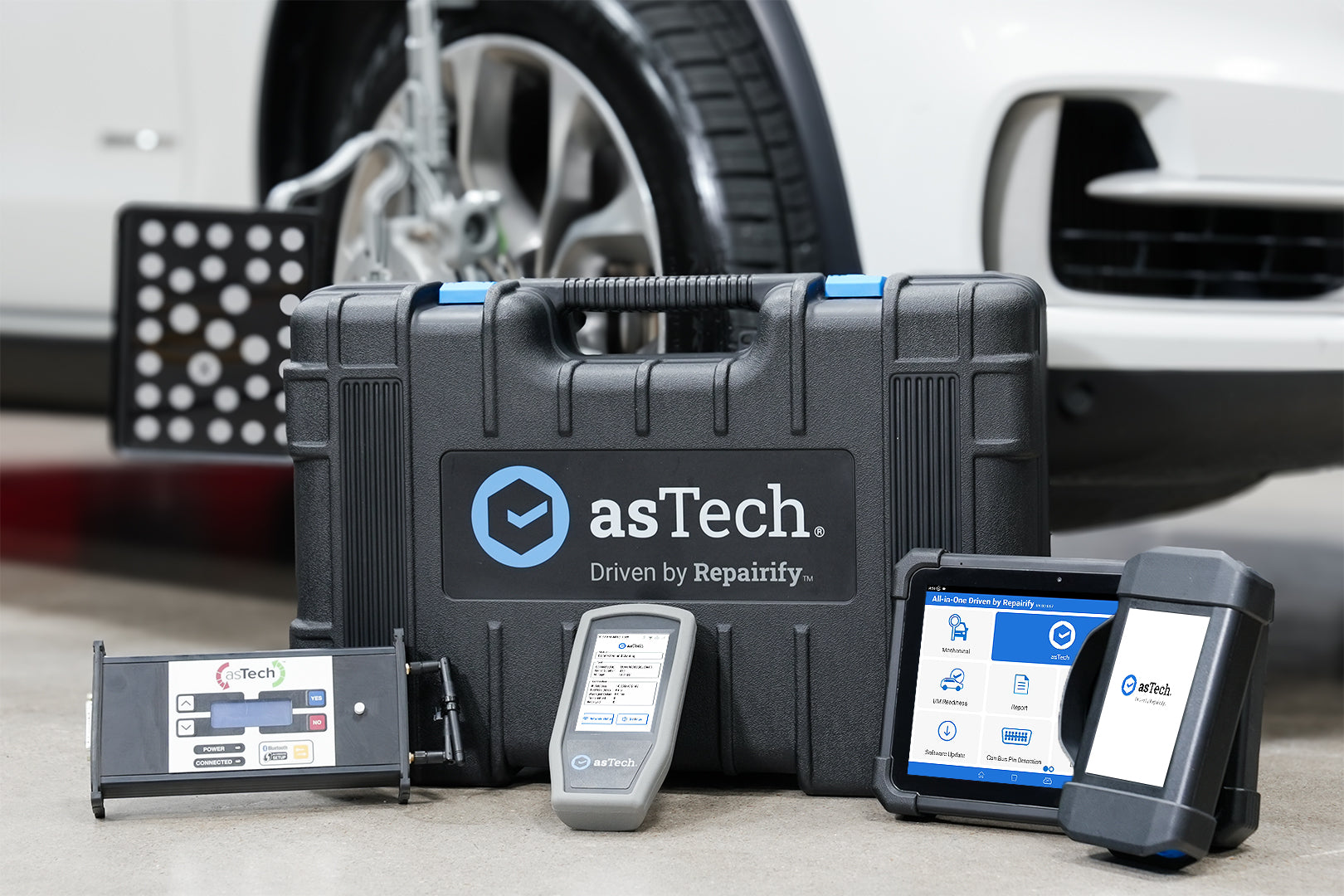
asTech’s All-In-One solution is designed to simplify vehicle diagnostics and calibration support, helping CollisionRight teams make confident decisions every step of the repair process.

Setting up the All-In-One Tablet
The patented asTech remote diagnostic device is the leading tool for automotive repair shops that want to perform more efficient work and guarantee better results for customers. With the help of our staff of certified master technicians, identifying all of the issues that need repair on any vehicle is easier than ever.

Remote Calibration Request Overview and Demo
In this video, we’ll guide you through the process of submitting and completing a remote calibration request using the asTech All-In-One device. From initiating the request to completing the calibration, we’ll show you how easy it is to get remote support for your vehicle calibrations.

Dynamic Calibration Overview and Demo
In this video, our team member will walk you through setting up and completing dynamic calibrations using the asTech All-In-One device. This step-by-step guide will ensure you can perform dynamic calibrations with ease, using one reliable tool to handle it all.

asTech Industry Pulse | Behind the Scenes of Vehicle Calibrations
In this session of asTech Industry Pulse, we take you behind the scenes of vehicle calibrations with a full live walkthrough led by our calibration experts.
ADAS Calibration Checklist
This ADAS calibration checklist is designed to help CollisionRight teams ensure nothing is missed before, during, or after calibration. Use it as a quick reference to support consistent, accurate repairs and to stay aligned with OEM requirements throughout the calibration process.
adasThink & CCC
adasThink helps CollisionRight teams make confident, OEM-informed ADAS calibration decisions. To ensure accurate results and a smooth workflow, proper setup is key. If you’re using CCC, start by following the linked guides to connect adasThink with your CCC environment. .
asTech Calibration Supplemental Videos
There will be times when you will need to supplement calibration tooling to perform certain calibrations. The videos at the link below are provided to walk you through these supplemental procedures.